All products
Harvest. Optimize. Schedule. Publish.
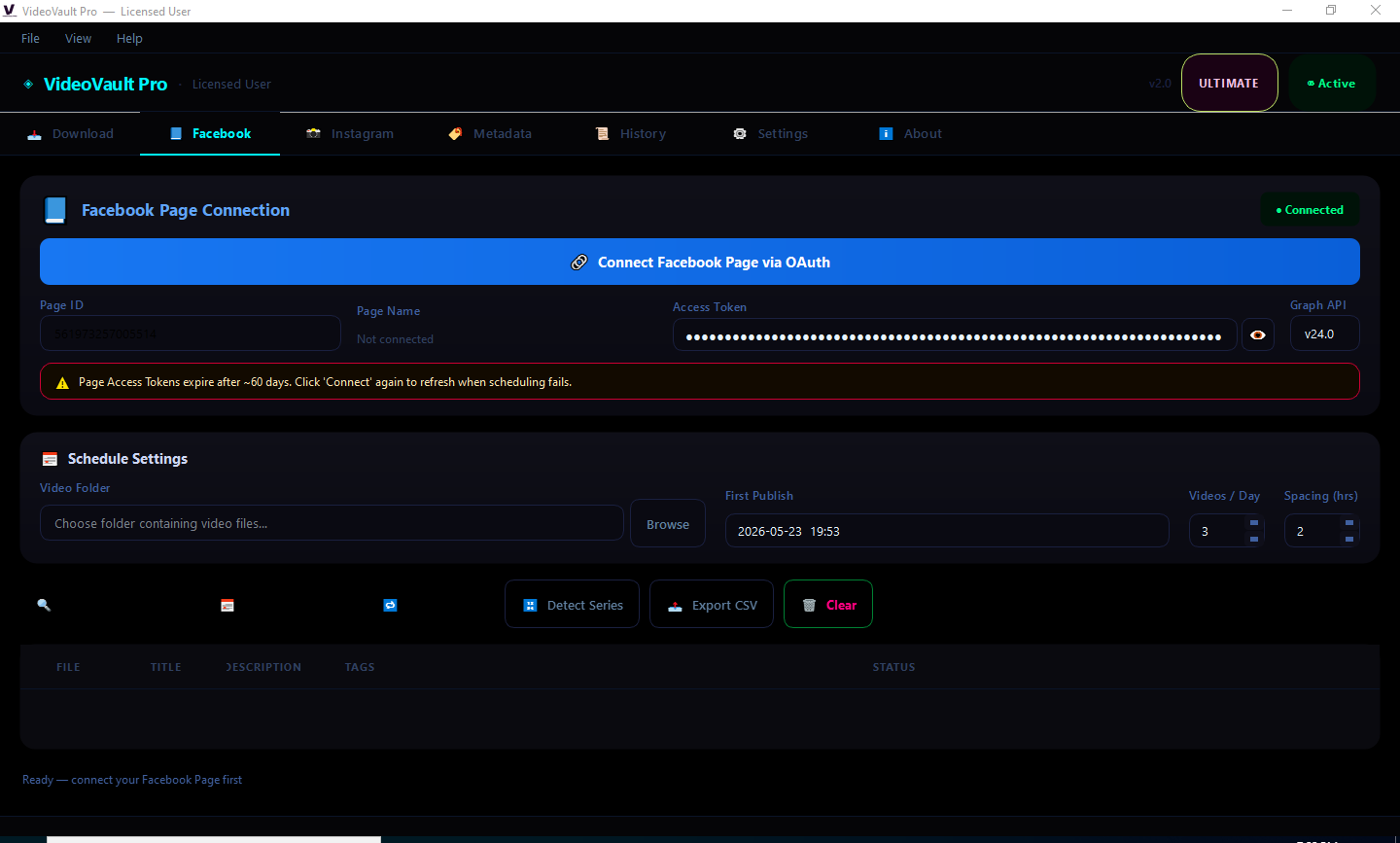
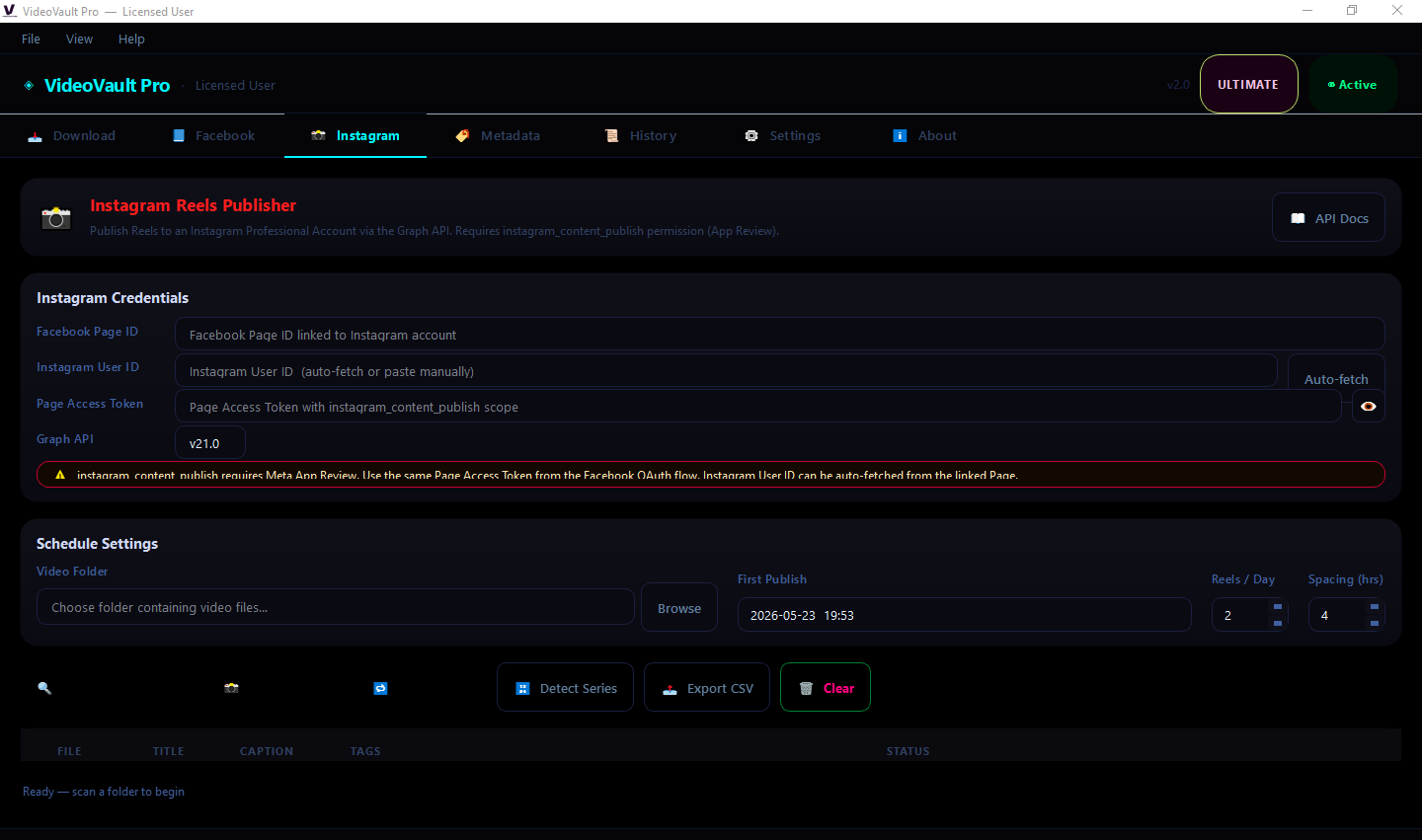
Paste creator URLs, walk away. The engine handles fetching, splitting, AI metadata, branding, and (Ultimate) Reels publishing — all on auto-pilot.
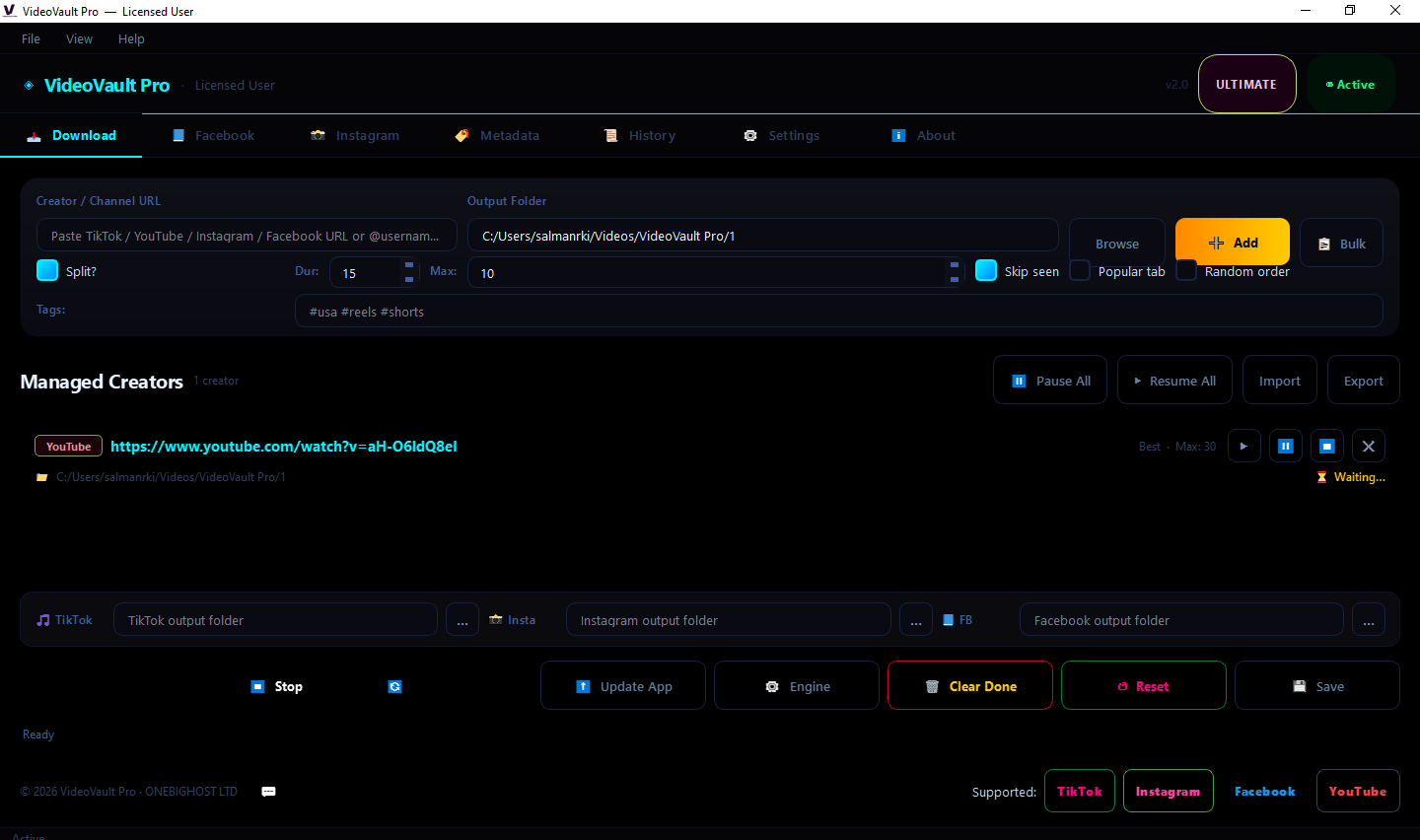
Paste creator URLs, walk away. The engine handles fetching, splitting, AI metadata, branding, and (Ultimate) Reels publishing — all on auto-pilot.
Built-in features that ship with every tier of VideoVault Pro.
Hardware-bound activation — share-proof license
JWT tokens signed with rotating RSA keys
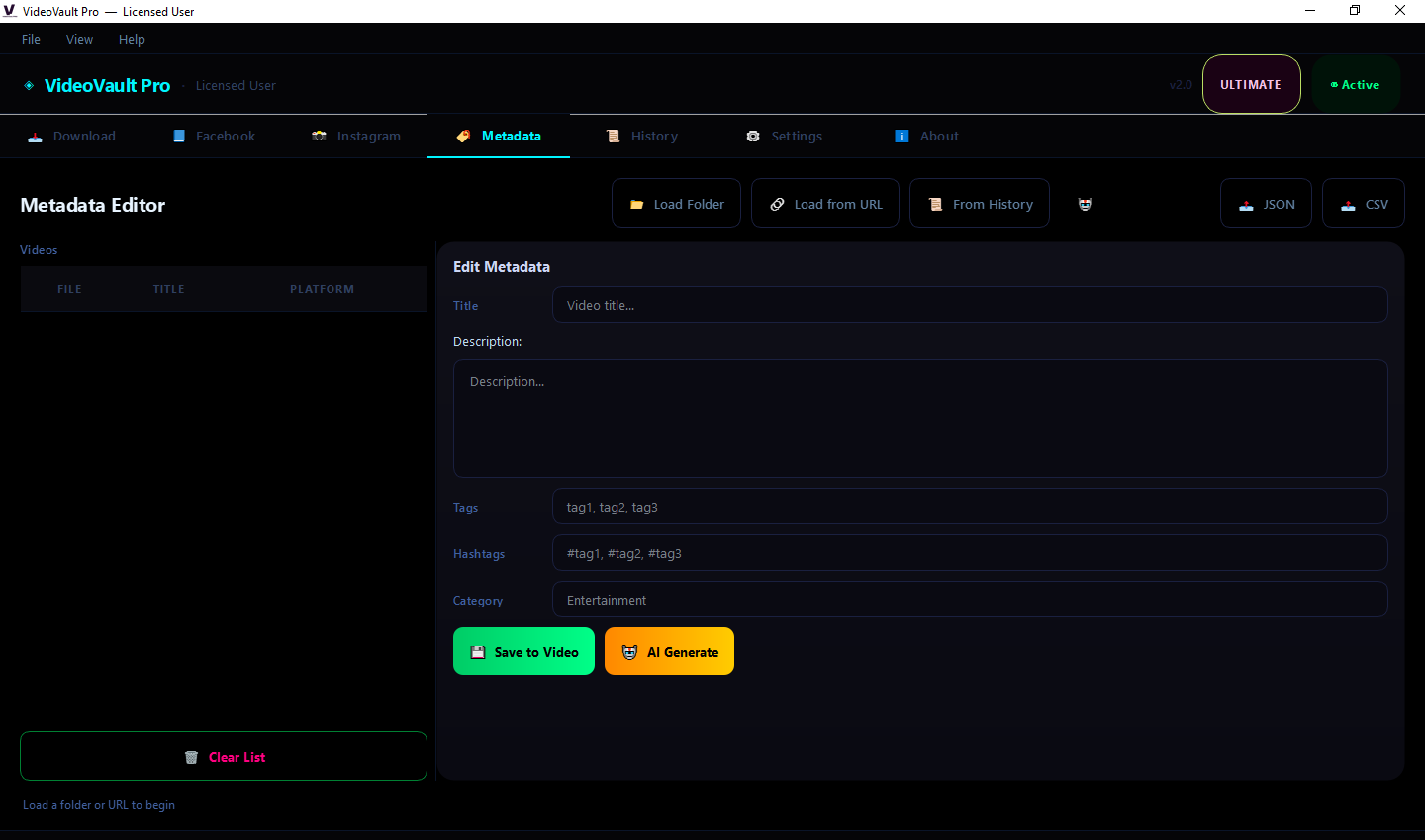
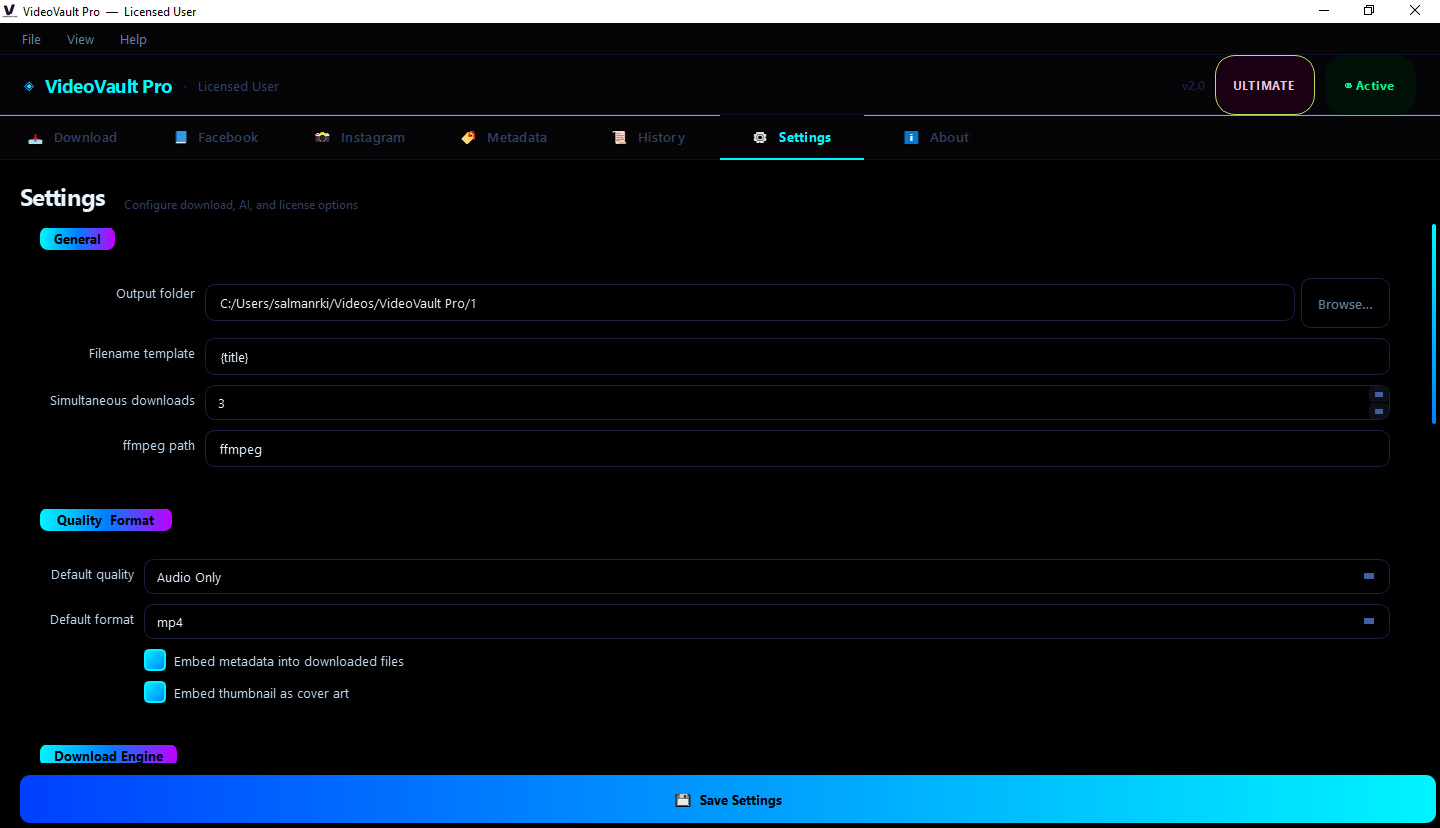
AI metadata pipeline (TypeGPT, OpenAI, Gemini)
FFmpeg-based clip splitting with per-clip Part N
Per-creator output folders, auto-organized
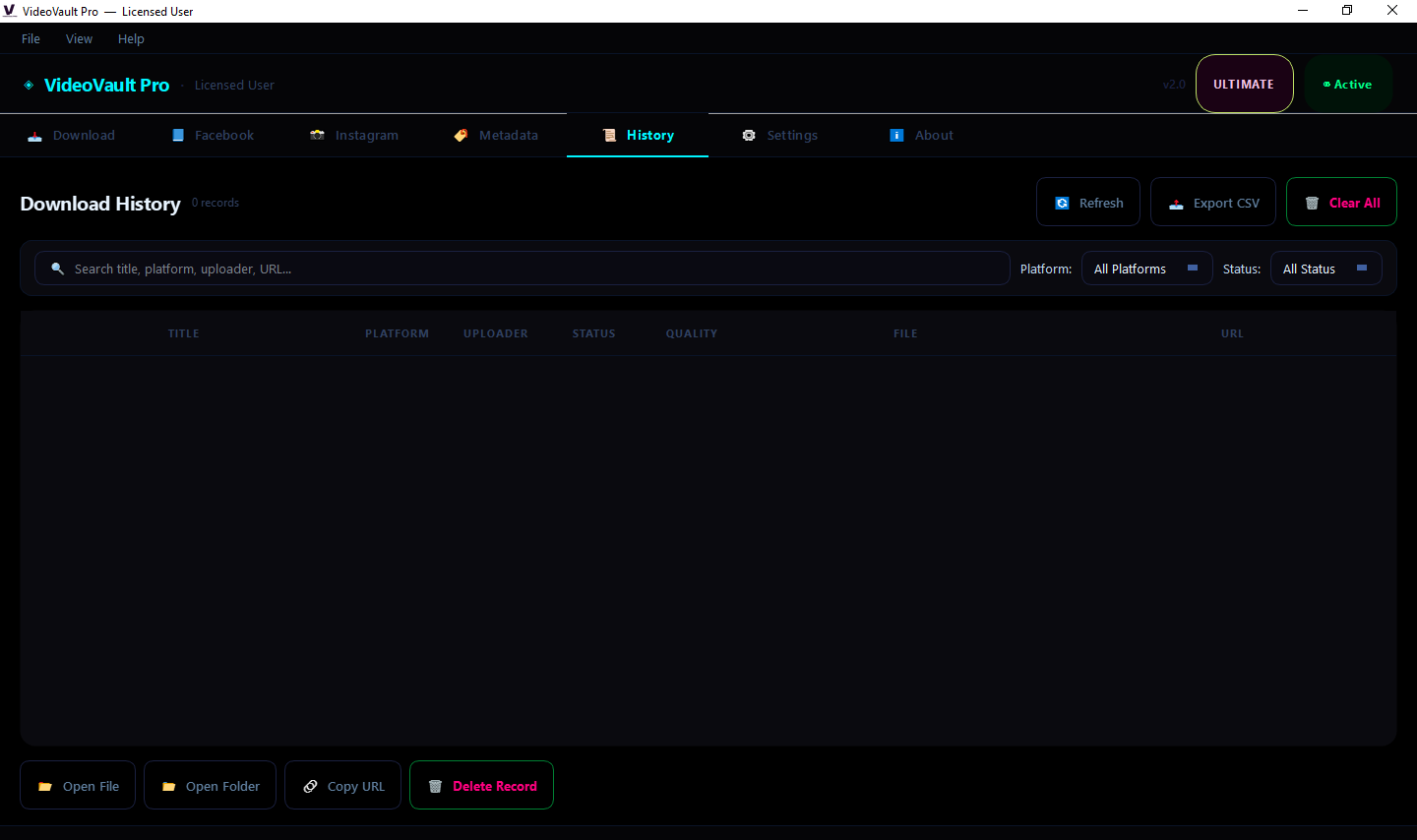
Persistent SQLite download history
Auto-update from license server
The fastest path from creator URL to ready-to-publish clip. Every file that comes out has gone through a five-stage pipeline before it lands on disk:
Paste your purchase code into the desktop client on first launch. The server validates it in real time, binds it to your hardware fingerprint, and issues a signed JWT. Future launches are instant — the token verifies offline against cached public keys. Move to a new computer? Deactivate from Settings on the old one, then activate fresh on the new.
Refunds within 14 days if it doesn't fit your workflow — no questions asked.
Used to take me a full afternoon with browser extensions. VideoVault does it in 5 minutes. The AI hashtags paid for the license in week one.
We process 200+ clips a week. Part-N split + per-clip AI metadata means every clip is ready to ship the moment it leaves the queue.
I run 8 niche channels. Series detection alone saves me about 6 hours a week of manual rename work.
Ultimate paid for itself in the first month. The Facebook Reels scheduler saved us 10 hours/week of manual upload time.
AI metadata embed is the killer feature. Every file lands on disk with proper title + 5-7 hashtags baked in. Drag straight into TikTok Studio.
Clip filename convention — title + Part N + hashtags — drops straight into my CapCut workflow. No renaming.
Pick the tier that matches your workflow. Upgrade anytime.